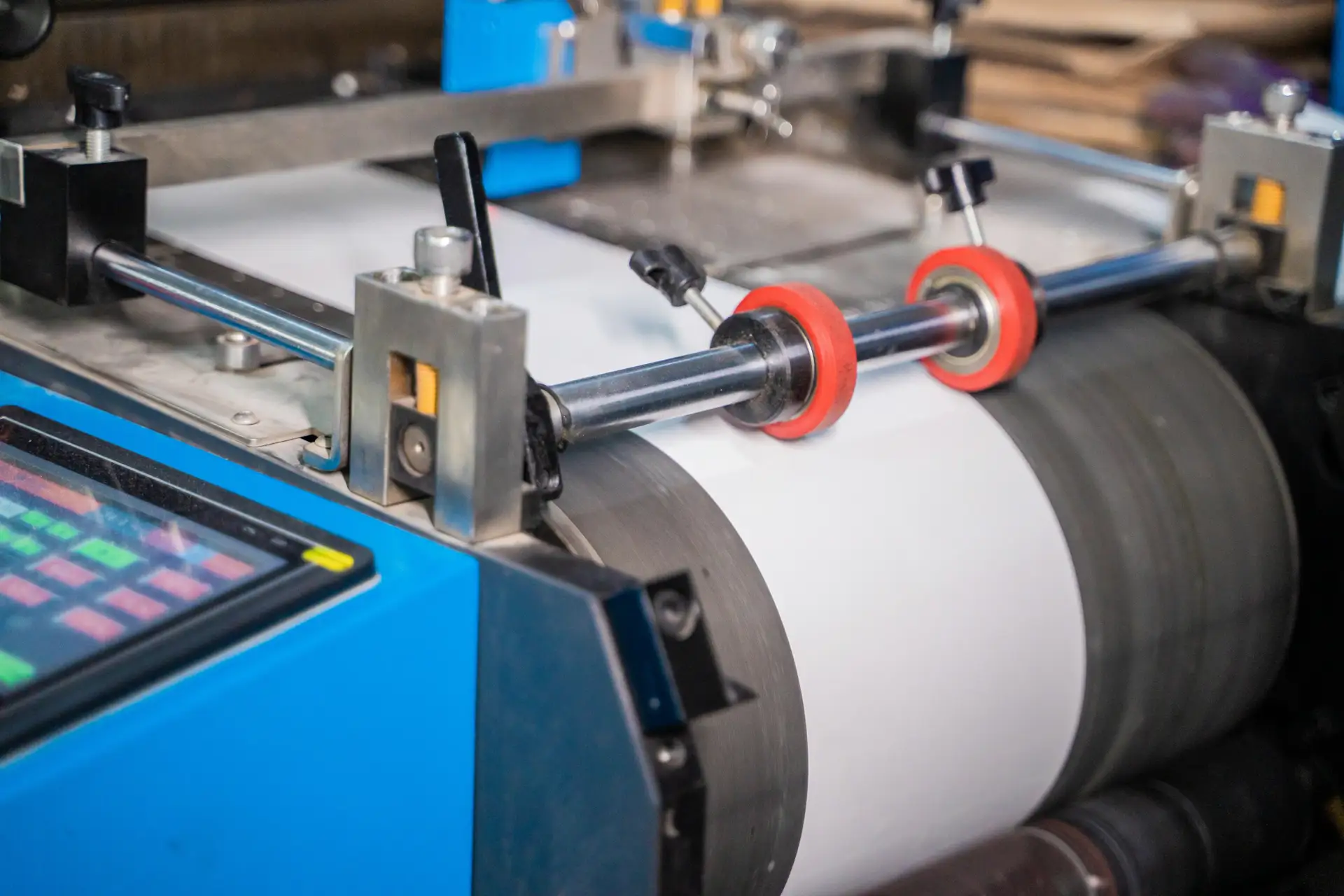
From the paper machine to die-cutting, follow every line stoppage.
A paper machine runs continuously, from the headbox to the reel; a corrugated plant chains the corrugator, printing, die-cutting and folder-gluing. Stoppages are linked to the tickets they concern: at the next shutdown, the team can see what was done last time.
What makes maintenance difficult in paper and packaging.
- 01
Long, continuous lines
On a paper machine, an incident in one section can stop the whole line. The equipment at fault must be identified quickly and its return to service followed.
- 02
Clothing and wear parts
Wires, felts, roll covers, blades and doctor blades wear and are replaced regularly. Replacement dates and findings must remain accessible.
- 03
Shutdowns to make the most of
Clothing changes and overhauls are concentrated on machine shutdowns. Everything planned must be prepared and assigned beforehand.
- 04
Changing formats and settings
In converting, changes of format, cutting tools or printing plates are frequent. The incidents that come with them are worth recording.
The equipment your teams look after every day.
Every work order is linked to a piece of equipment. Its history builds up with each job carried out.
- Stock preparationPulpers, refiners, cleaners and stock pumps.
- Paper machineHeadbox, wire section, presses, dryer section, calender and reel.
- Winders and sheetersKnives, cores and drives.
- CorrugatorSingle facers, corrugating rolls, glue unit and double backer.
- Printing and die-cuttingFlexographic presses, flatbed and rotary die-cutters.
- Converting and end of lineFolder-gluers, strapping machines, palletizers and conveyors.
How the team uses MatxFlow.
For each situation: what the team does in MatxFlow and what it can find afterwards.
A press felt must be changed at the next shutdown.
The replacement is scheduled and assigned before the shutdown; the form records the checks carried out and the reference fitted.
The replacement date and observations, linked to the section.
A cutting defect keeps coming back on a die-cutter.
Every work order is recorded in the machine's history, with photos of the defect.
Occurrences of the defect and the settings already tried.
Several shifts take turns on the line.
Work orders in progress remain visible with their status and reports.
What the previous shift found and did.
The manager wants to know where stoppages are concentrated.
They rely on the work orders recorded per machine and per section, and can export them to Excel for further analysis.
The equipment that comes up most often.
One work order, from report to history.
A typical scenario, as it can be tracked in MatxFlow.
- 01
An operator reports repeated sheet breaks at the exit of the dryer section.
- 02
The request is linked to the section concerned, qualified and assigned.
- 03
The technician inspects the rolls and doctor blades, then records findings and photos.
- 04
The action taken and the condition of the section are recorded at closure.
- 05
The manager finds the work order in the section's history.
Recorded data, indicators and analysis.
An indicator is only as good as the information entered in the field. What is recorded in MatxFlow, what can be calculated from it, and what requires other sources:
Information recorded
Entered with requests and work orders.
- Work orders per machine, section or line
- Replacements of clothing and wear parts
- Photos of defects and findings
- Recorded work order time
Tracking indicators
Can be calculated from the recorded data, in MatxFlow or after an export.
- Number of work orders per section and per machine
- Intervals between two replacements, when the dates are recorded
- MTTR and MTBF, when the required data is recorded
Further analysis
Requires data that MatxFlow does not record (costs, production, operations).
- Breaks and production losses logged continuously
- Quality of the paper and board produced
- Clothing consumption and stock
See how stoppages are tracked on your paper machines and converting lines.
Tell us about your machines, your shutdowns and the way your work orders are tracked. We will show you how to structure this follow-up with MatxFlow.