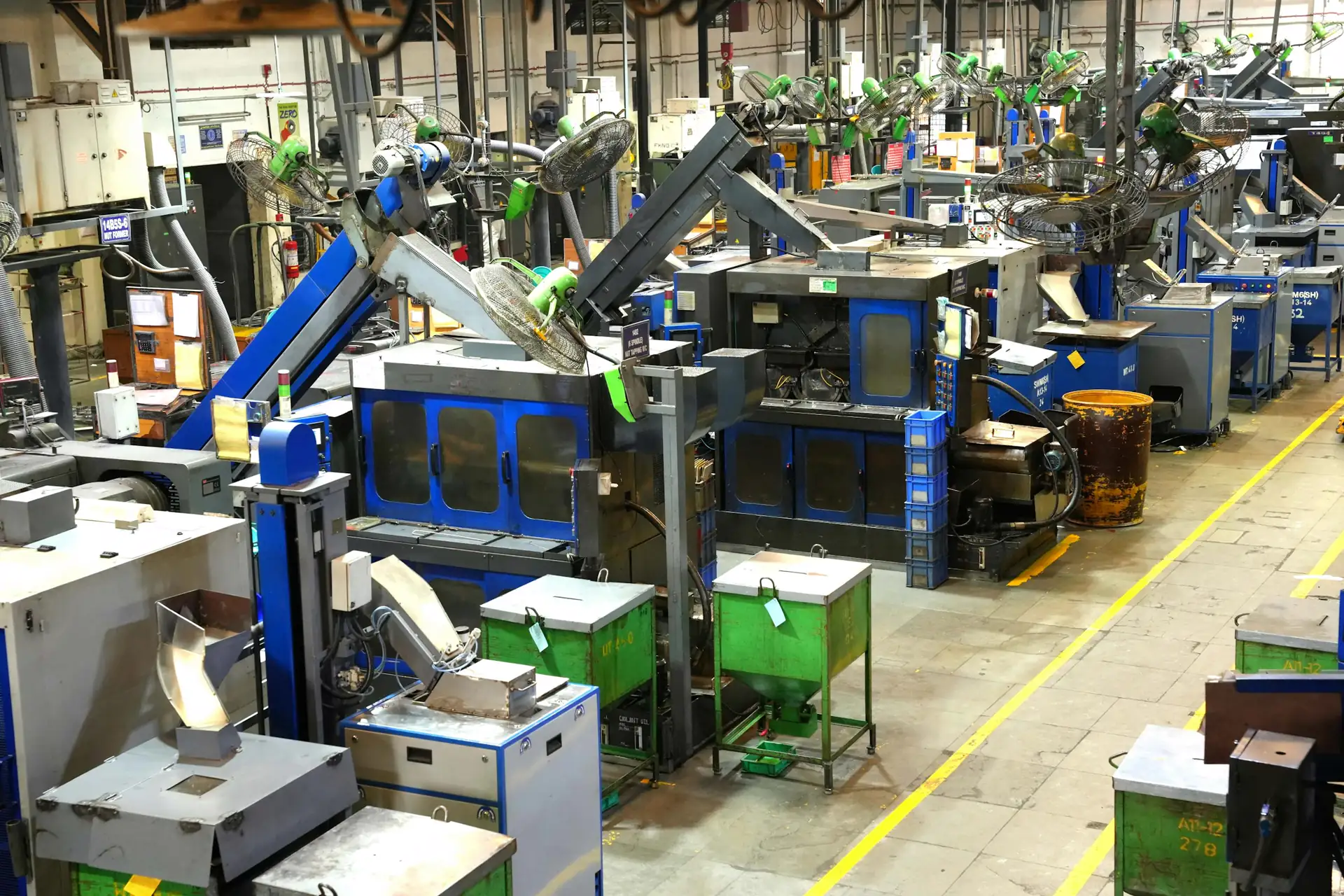
Varied machine fleets, one way to track maintenance.
Assembly, plastics, packaging, pharmaceuticals: every workshop has its own machines and methods. A work order form can be set up for each type of operation, and every machine keeps its own history.
What makes maintenance difficult in manufacturing.
- 01
Many different machines
Presses, robots, assembly lines and packaging machines do not have the same needs or the same checks.
- 02
Practices that vary between workshops
Each team has its habits. Without a common framework, reports cannot be compared.
- 03
Preventive tasks to follow up
Regular servicing must be scheduled, and it must be possible to check that it was done.
- 04
A scattered history
Between files, notebooks and messages, machine history is hard to consolidate.
The equipment your teams look after every day.
Every work order is linked to a piece of equipment. Its history builds up with each job carried out.
- Presses and injection molding machinesMolds, hydraulic units and settings.
- Robots and assembly linesFaults, adjustments and scheduled work.
- Packaging machinesFormers, wrappers and labelers.
- Machine toolsSpindles, axes and lubrication systems.
- Compressors and utilitiesCompressed air, refrigeration and energy.
- Material handling equipmentConveyors, forklifts and lifts.
How the team uses MatxFlow.
For each situation: what the team does in MatxFlow and what it can find afterwards.
Each type of machine requires different checks.
Tailored forms are configured for each type of work, with fields that only appear when needed.
The right information, collected the same way every time.
The fleet includes a large number of machines.
Each piece of equipment is identified and work orders are linked to it.
The status and history of every machine.
Routine servicing has to be carried out.
The work order is scheduled, assigned and documented until it is closed.
What was done, when and by whom.
Some of the data already exists in Excel files.
Excel import and export let you bring in and reuse the data concerned.
Continuity with your current files.
One work order, from report to history.
A typical scenario, as it can be tracked in MatxFlow.
- 01
An operator reports a fault on an injection molding machine.
- 02
The request is qualified and assigned to the workshop technician.
- 03
The technician follows the form set up for this type of work.
- 04
The outcome is recorded and the work order is closed.
- 05
The manager finds the work order in the press's history.
Recorded data, indicators and analysis.
An indicator is only as good as the information entered in the field. What is recorded in MatxFlow, what can be calculated from it, and what requires other sources:
Information recorded
Entered with requests and work orders.
- Work orders per machine, line or workshop
- Answers to work order forms
- Photos, documents and validation signatures
- Recorded work order time
Tracking indicators
Can be calculated from the recorded data, in MatxFlow or after an export.
- Number of work orders per machine and per workshop
- Split between corrective and preventive work, when work orders are categorized
- MTTR and MTBF, when the required data is recorded
Further analysis
Requires data that MatxFlow does not record (costs, production, operations).
- Overall equipment effectiveness (OEE)
- Maintenance costs per machine
- Link with production orders
See a work order form built for your machines.
Tell us about your workshops, your machines and the way you work today. We will show you how to adapt work orders and forms to your operations.